 AI Rap Video
AI Rap Video Generator
Turn two photos into a short AI rap video. Choose your video quality, and the moves and sound are added automatically. Generate, preview and download the result.
Upload two photos
Use one clear photo for each person.
JPG, PNG or WebP · Max 10 MB per photo
Seedance 2.0 Mini
480p
AI Rap Video Examples
See how two separate photos become one two-person AI rap performance.
How to Make an AI Rap Video
1. Upload Two Photos
Use one clear photo of each person. The photos can be taken separately.
2. Choose Video Quality
Choose a video model and resolution. The Orange Booth look, moves and sound are added automatically—no prompt writing or video editing required.
3. Generate, Play and Download
Generate the video, preview it, and download the result.
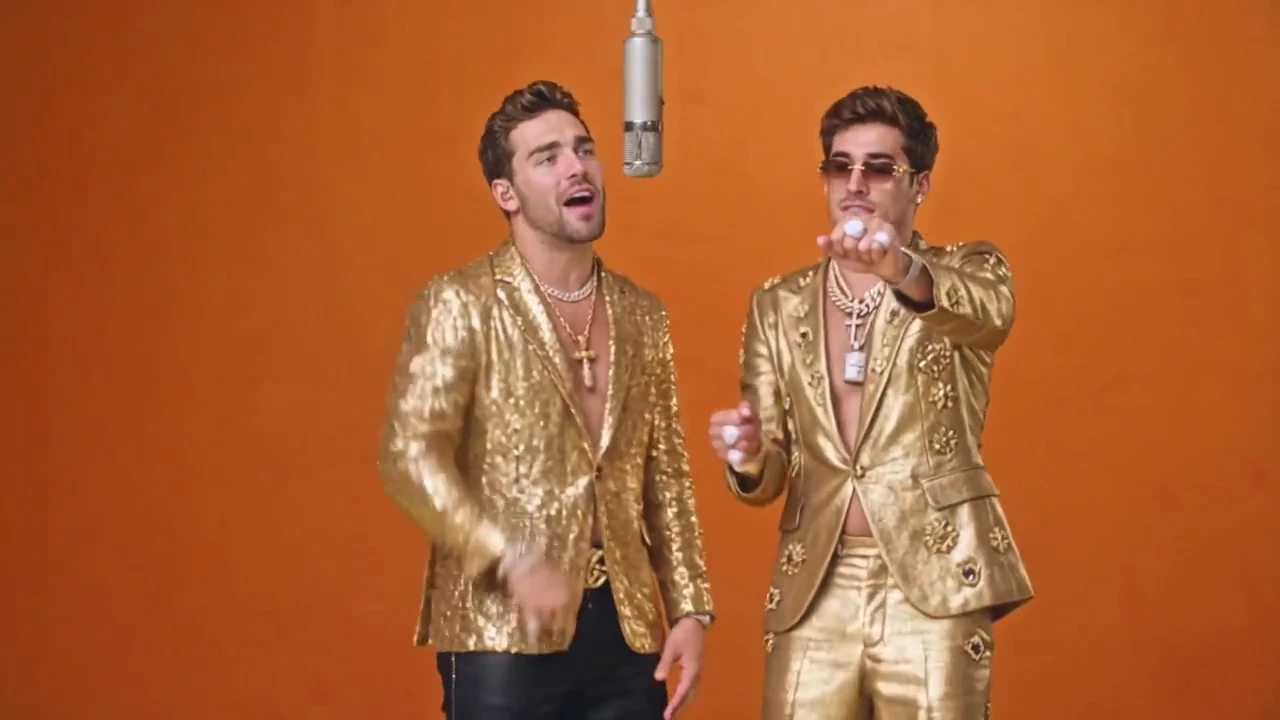
The Orange Booth Look
Orange Booth puts both people from separate photos into the same warm studio scene. No prompt writing or video editing required.
Trending AI Rap Video Styles
Explore the Hotel Lobby AI and Migos AI video trends.
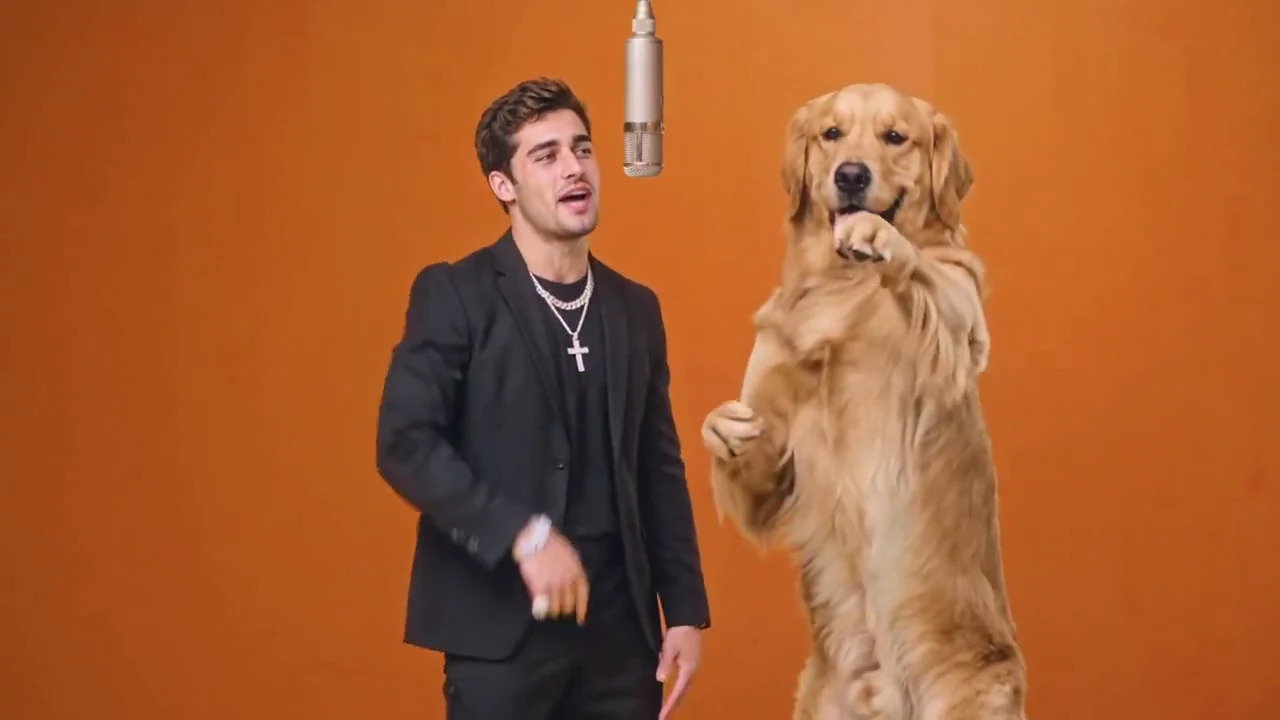
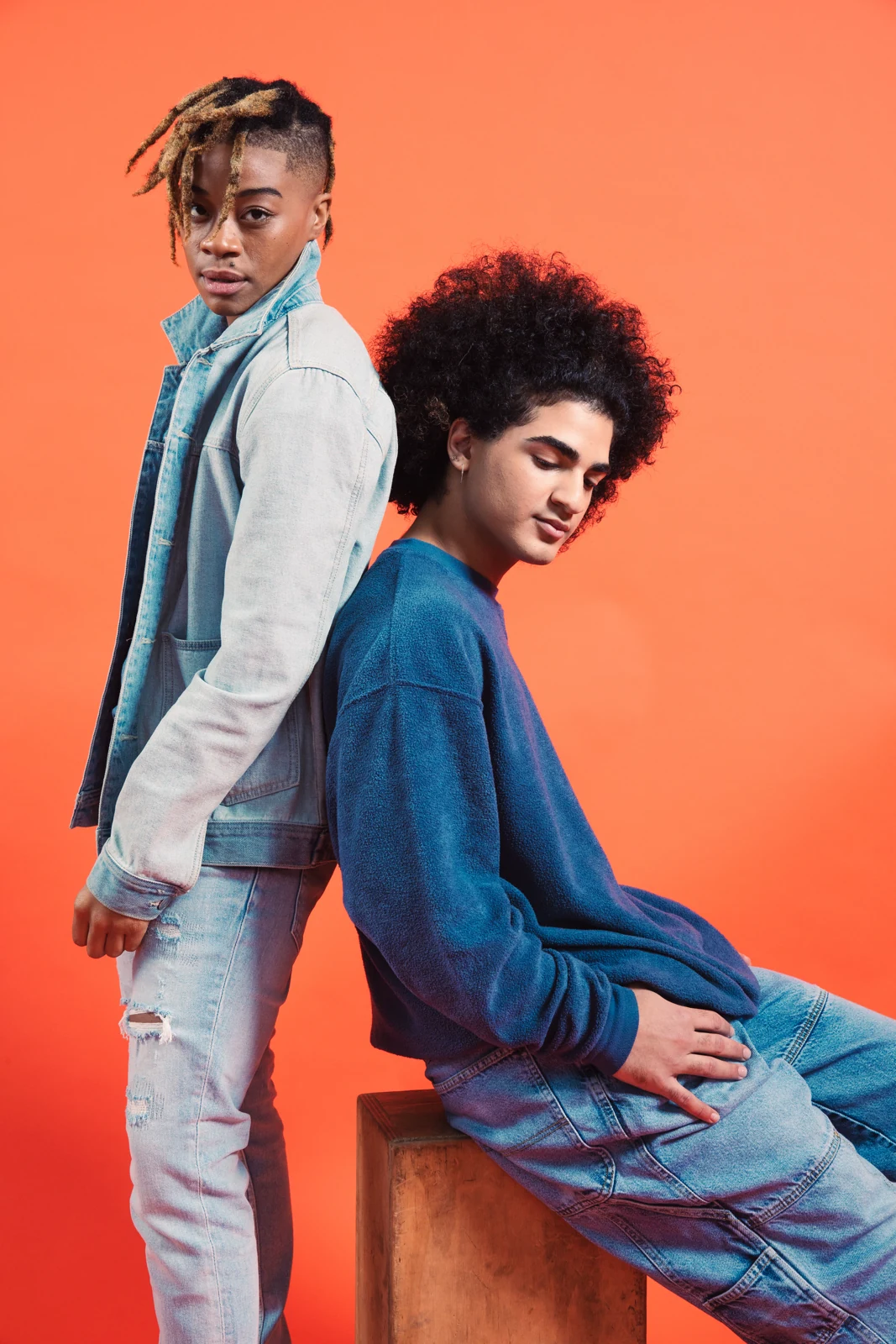
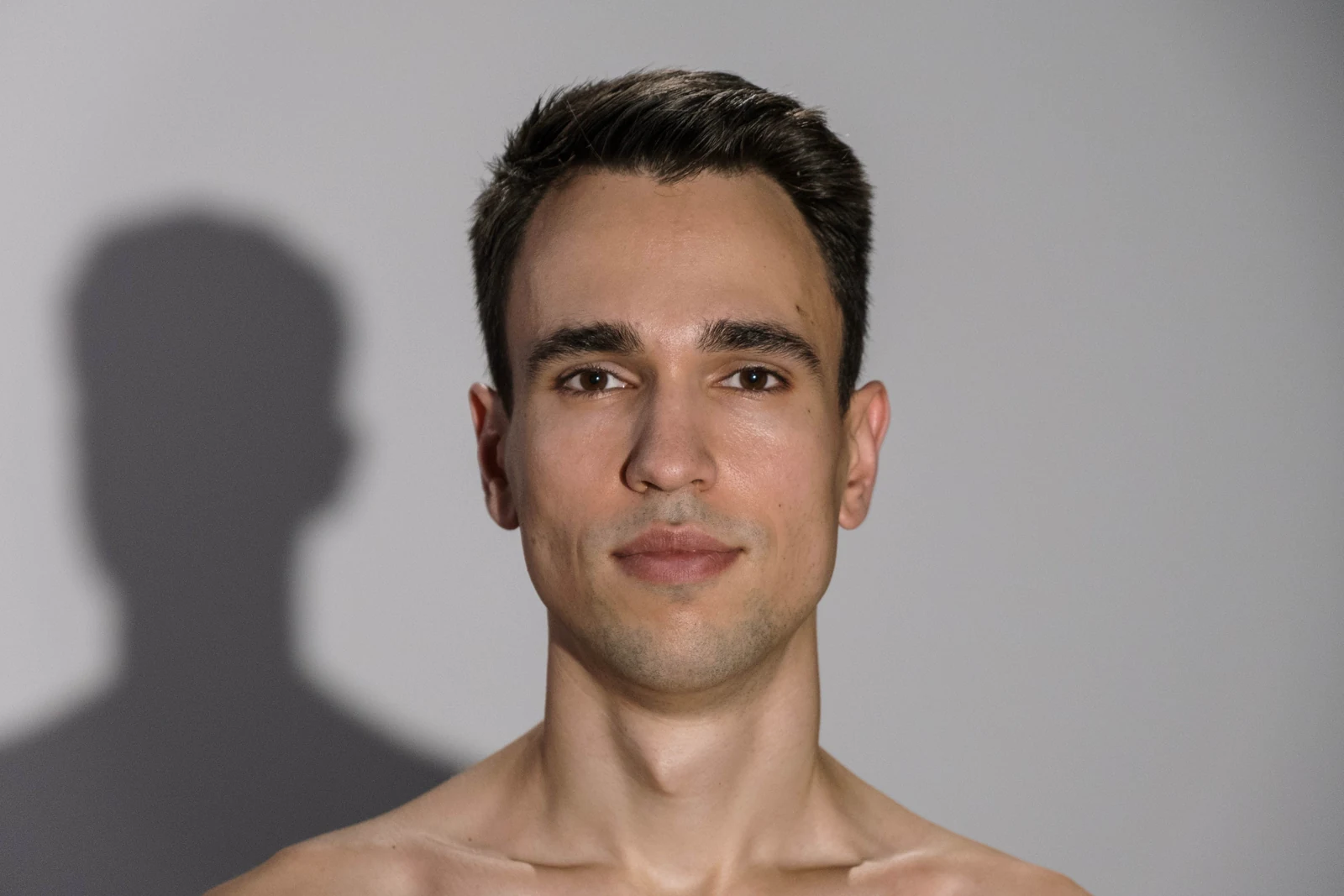
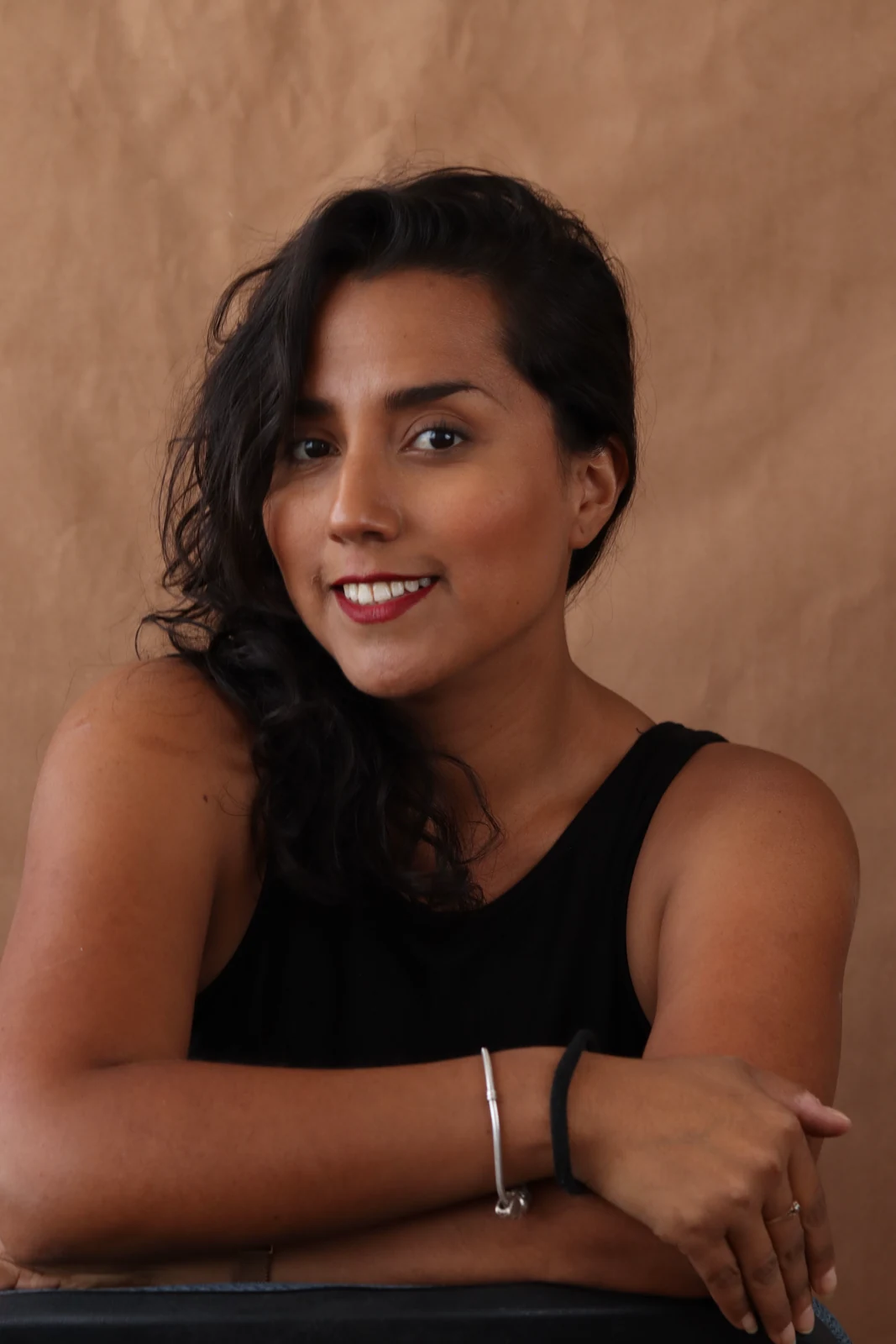
What Photos Work Best for AI Rap Videos?
- One visible face in each photo
- Good light and room around the shoulders
- Avoid blur, masks and group photos
- Use photos you own or have permission to use
CREATOR STORIES
Made together. Shared together.
Our group chat loved it.
“The best part was seeing both of us in the same booth. Exactly the sort of clip I wanted to send to my friend.”
Straight to the fun part.
“Two photos and a sound. I liked having a clear starting point without learning another editing tool.”
An unexpected duo.
“I had the pairing in mind before I started. Seeing the idea become a little performance was the whole point.”
Know what goes into your video.
Your photos matter
See how uploads and generated media are handled before you create.
Privacy policyA focused creative tool
Two photos in, one finished rap video out.
Read the FAQHelp is a click away
Questions about photos or the product? Reach us through our contact page.
Contact usAI Rap Video Generator FAQ
Still curious? Get in touchWhat is an AI rap video generator?
A tool that turns two photos into a generated two-person rap-style performance video.
Can I use two separate photos?
Yes. Choose one clear, well-lit portrait per person. Leave some space around the head and shoulders, and use images you have permission to use.
Do I need to write a prompt?
No. Upload two photos and choose video quality. The scene, moves and sound are set up automatically.
Does the AI rap video include sound?
Yes. Sound is added automatically and matched to the performance, so you do not need to sync it yourself.
Can I make the video here?
Yes. Upload two photos, choose video quality and generate the video on this page.
Can I download my video?
Yes. When the video is ready, you can preview it in the browser and download it.
Is the AI rap video generator free to use?
New signed-in accounts currently get one free video while the launch free trial is available.
Your duo. Next on the mic.
Bring two photos. We’ve saved you a spot.